
This BACB application checklist is designed for RBT applicants who want to verify their account, training, competency assessment, attestation, documents, and submission details before applying. Always compare it with the current BACB Handbook and portal instructions.
Table of Contents
- How to use this BACB application checklist
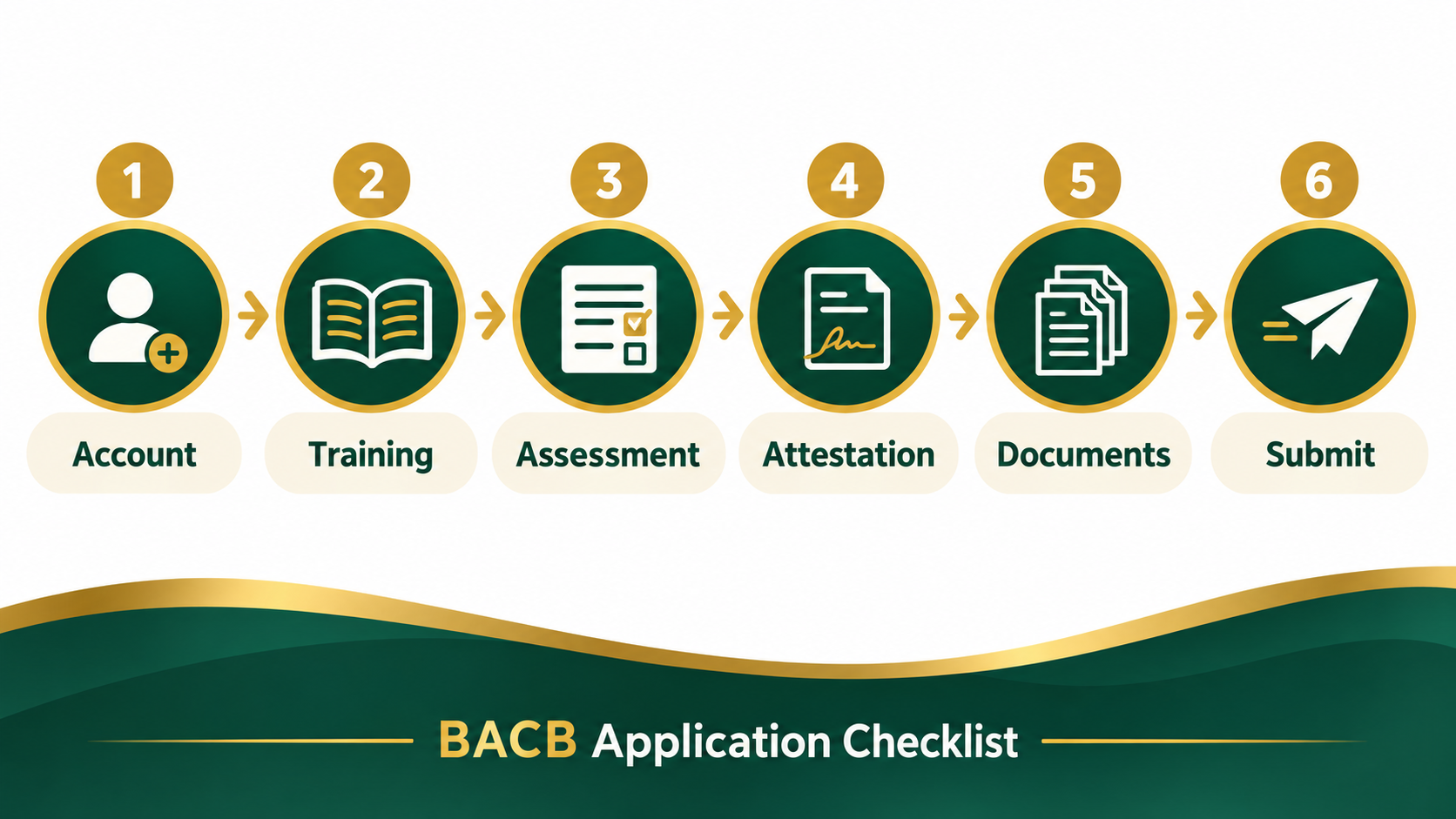
- 1. Confirm your BACB account
- 2. Check your RBT eligibility evidence
- 3. Verify training and competency documents
- 4. Review the attestation and signatures
- 5. Prepare the portal submission
- 6. Handle action items and resubmissions
- Final pre-submit review
- Frequently asked questions
- Sources and scope note
RBT APPLICATION GUIDE · DOCUMENT CHECKLIST
BACB Application Checklist: RBT Documents and Steps to Verify
Organize your account, training, competency assessment, attestation, documents, and final portal review before you submit.
This BACB application checklist is designed for RBT applicants who want to verify their account, training, competency assessment, attestation, documents, and submission details before applying. Always compare it with the current BACB Handbook and portal instructions.
BACB application resources change. The current RBT applying page points applicants to the Handbook, application tutorial, training resources, competency assessment resources, and other official documents. Use this article to organize the work, then verify the live source before uploading anything.
This guide focuses on an initial RBT certification application. Recertification has its own packet and maintenance requirements, so do not assume that an initial checklist is enough for renewal.
How to use this BACB application checklist
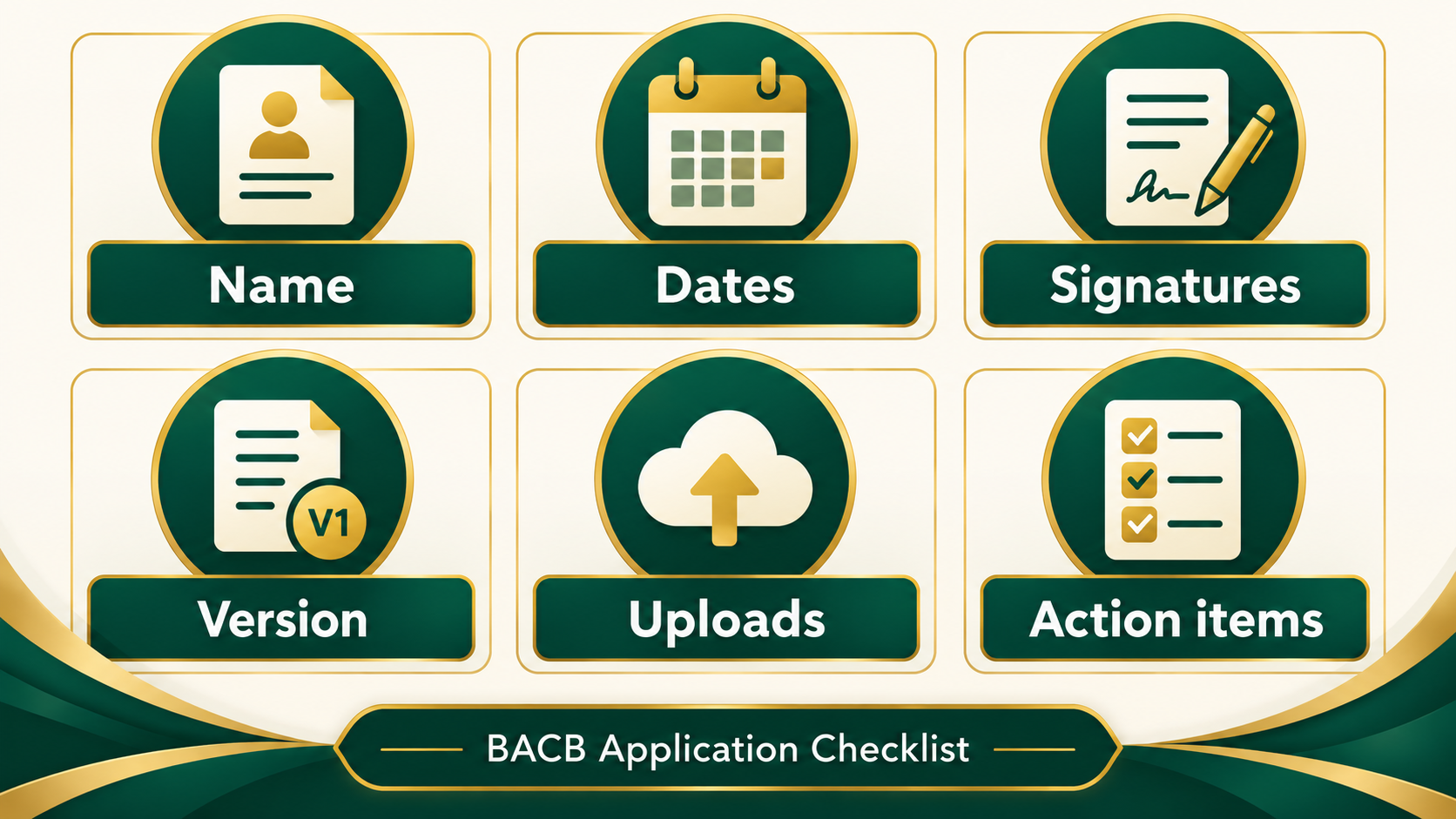
Create one preparation folder or digital workspace with a clear file name for each document. Track the document title, version or date, who must complete it, the signature status, and whether it has been uploaded to the correct portal location.
Do not treat a file as ready just because it exists. A document can be present but use an old version, show a different legal name, lack a signature, contain an inconsistent date, or be attached to the wrong application item. The final check is about matching the evidence to the current requirement.
1. Confirm your BACB account
Sign in to the BACB account you intend to use for the application and verify the profile details. Check your legal name, email address, contact information, and any identification details the portal displays. If your name has changed, use the current BACB name-change instructions rather than making documents disagree with the account.
Confirm that you can receive portal and email notifications. Add BACB messages to your safe-sender list if your email service filters them. Save the application reference or confirmation information through the approved method after submission.
2. Check your RBT eligibility evidence
Read the current RBT Handbook for the pathway that applies to you. Make a checklist of the requirements, the evidence for each one, and the person responsible for completing or confirming it.
Typical preparation areas may include the current training requirement, competency assessment, background or attestation information, a qualified supervisor or responsible organization contact, and any other portal field or document requested by BACB. The exact requirement depends on the current rules and application pathway.
Do not rely on a course provider’s marketing language as the final answer. A course may be designed to meet a requirement, but you still need to confirm the current curriculum, provider documentation, completion evidence, and submission instructions.
3. Verify training and competency documents
For the 2026 application environment, check the current RBT 40-hour training requirement and curriculum information. Confirm the course completion record, dates, trainer or provider details, and any evaluation or documentation required by the current resource.
Then verify the Initial Competency Assessment Packet. Check that the assessment uses the current version, the appropriate qualified assessor completed the required sections, the dates are complete, and signatures or attestations are present. The BACB applying page identifies the Initial Competency Assessment Packet as a current resource effective January 1, 2026.
Keep initial and recertification documents separate. The current application processing page lists different document versions for the initial assessment packet, certification attestation, and recertification competency assessment packet. A familiar old form is not automatically acceptable.
4. Review the attestation and signatures
Read every attestation before signing it. Confirm that the name matches your BACB account and identification documents, the dates are accurate, and the person signing has the authority and information required for that section.
Look for common preventable problems:
- a signature is missing, incomplete, or placed on the wrong page;
- the date is outside the applicable training or assessment period;
- the form uses a previous legal name without the required explanation;
- the assessor or trainer information is incomplete;
- the scan is cut off, blurry, password-protected, or missing an attachment.
Do not ask someone to sign a document that does not describe what actually happened. If an error is discovered, correct it through the approved process rather than editing a signed record in a way that hides the change.
5. Prepare the portal submission
Before clicking submit, compare every portal field with the supporting document. Use the exact name, date, credential, and contact information requested. Check whether the portal asks for one combined PDF or separate uploads, and make sure each file is attached to the intended item.
Review fees and payment details in the current BACB portal. Do not use an old fee screenshot as the authority. If the portal displays a warning or missing item, resolve it before submission or record the question for the appropriate BACB support route.
Save the confirmation and a copy of the submitted package where allowed. Keep a simple log with the submission date, confirmation number, documents uploaded, and any next action. Do not send sensitive documents through an unapproved personal channel.
6. Handle action items and resubmissions
If BACB sends an action item, read the request exactly and identify the document or field it names. Do not upload a random replacement that does not answer the issue. Compare the request with the current Handbook and official application instructions.
When you resubmit a document, check the version, name, dates, signatures, and attachment before sending it. Current BACB processing guidance states that applications and documents resubmitted through portal action items are reviewed in the order received. Keep the new confirmation and note what changed.
If you do not understand the action item, ask the appropriate BACB support contact or your supervisor or mentor for help. BACB states that it cannot make a final determination about whether a specific applicant meets certification requirements outside formal application review.
Final pre-submit review
Use this short final pass:
- Does the legal name match across the account, forms, and identification records?
- Are the training and competency assessment dates within the required period?
- Are the current document versions being used?
- Are every required signature, attestation, and attachment present?
- Are scans readable and uploaded to the correct portal item?
- Have fees, confirmations, messages, and action-item deadlines been recorded?
- Have you checked the current BACB Handbook and application-processing page today?
Frequently asked questions
Does this BACB application checklist guarantee approval?
No. It organizes preparation. BACB makes the formal eligibility and application decision using the current requirements and submitted evidence.
Is the initial RBT checklist the same as the recertification checklist?
No. Initial certification and recertification use different processes and may use different packets or document versions. Check the current path in the Handbook and portal.
How long will BACB take to review my application?
Processing changes. Check the current BACB application-processing updates page rather than relying on a fixed number of days or an old screenshot.
What if my document uses an old version?
Compare it with the current official document list and replace or correct it through the approved process before submission. If it has already been submitted, follow the portal action-item instructions.
Sources and scope note
This guide is based on the BACB RBT applying resources, the BACB application-processing updates, the BACB RBT Handbook, and the BACB’s RBT application tips. Requirements, forms, fees, and processing information can change. Check current official sources before submitting.
Ready to practice the RBT concepts you just reviewed?
Try an independent, original RBT practice resource with exam-style questions, scoring, and answer explanations.
References
- Behavior Analyst Certification Board. RBT Test Content Outline, 3rd edition.
- Behavior Analyst Certification Board. RBT Handbook.
- Behavior Analyst Certification Board. RBT Ethics Code.