

rbt application attestation signature: this guide explains the planning and recordkeeping question behind the topic, while the current BACB Handbook, forms, and portal instructions control the final requirement.
rbt application attestation signature: What this signature review is for
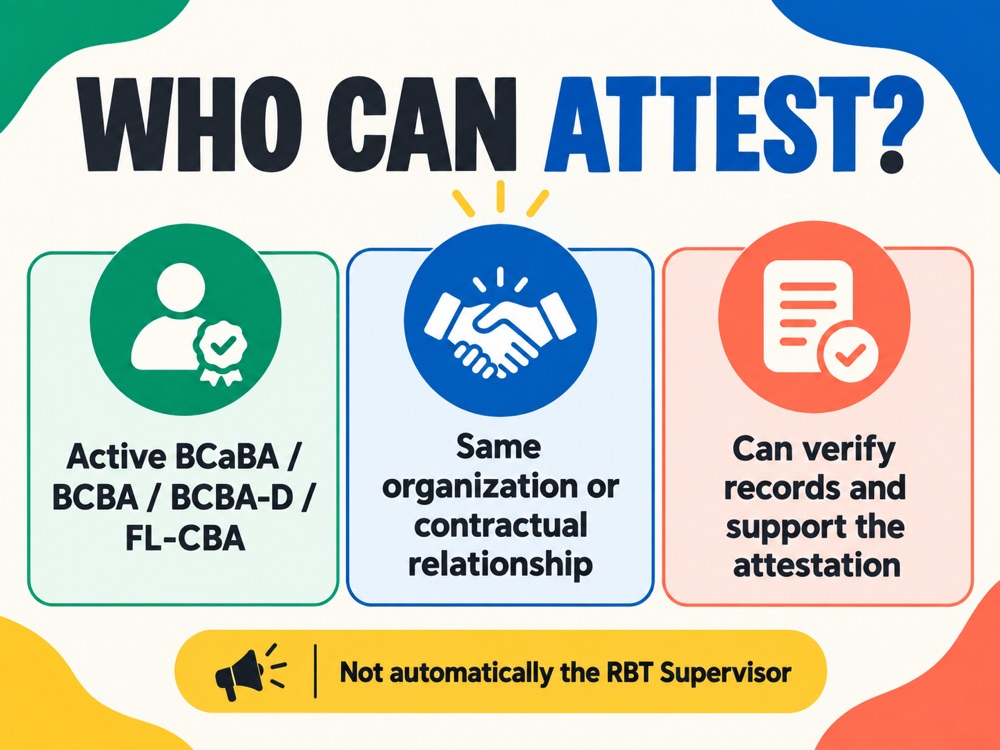
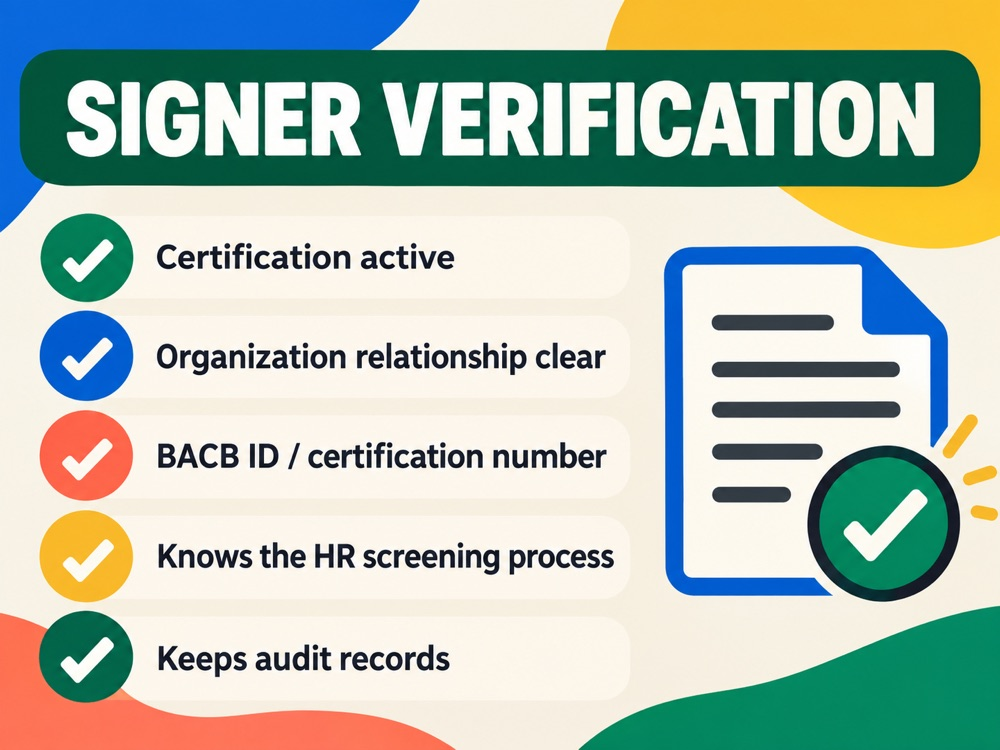
The RBT application attestation signature review is a quality-control step after the correct attestor has been identified. It does not decide who is eligible to sign; the current BACB form controls that question. Instead, it checks whether the completed form is internally consistent, signed in the correct places, dated, and ready to upload.
A signature can look complete and still fail a practical review if the applicant name is inconsistent, the attestor credential number is missing, or one required field is blank. Reviewing the file before upload gives the applicant and attestor a chance to correct a mistake while the underlying records are easy to locate.
Match every name and identification field
Compare the applicant’s name on the attestation with the name used in the BACB account and application. Then compare the attestor’s legal name, credential type, certification number or BACB ID, and organization information with the attestor’s current records. Small differences such as an omitted middle name may need clarification when the form is reviewed.
Do not use a nickname because it is familiar at work. Do not copy a credential number from an old form without checking it. The form should be completed from current information, and the attestor should be able to support the statements if the file is audited.
Check the signature and date fields
Read the form from top to bottom and mark every place where the applicant or attestor must sign, initial, or enter a date. A typed name may not have the same meaning as a signature under the current form instructions. Use the permitted signing method and preserve the completed original file.
The date is part of the signature review. The current form describes a relationship between the attestation signature and the application-payment timeline. Use the current form and Handbook together, and do not assume that a signature made for an earlier application automatically transfers to a new one.
Make the supporting statements traceable
The attestation covers specific eligibility confirmations, including age, education or equivalent, criminal background checks, and abuse registry checks under the current form. The review should ask where each confirmation came from and whether the attestor can explain it. Keep supporting documents in the organization’s permitted record system rather than attaching unrelated personal files.
If a check was completed outside the stated timing window, do not fix the date by changing the form. Pause and confirm the current requirement, then obtain an updated check if the official instructions call for it. The attestation should describe the records that actually exist.
Prepare the final PDF
Open the final PDF on a computer and on a phone or tablet if possible. Confirm that no signature is cropped, no page is blank, and the text is readable at normal zoom. Make sure the file is the final version rather than a scan of an unsigned draft. If the form has a verification or electronic-signature page, keep it with the document unless the portal gives a different instruction.
Use a clear filename such as applicant-name-rbt-attestation-signed-date. Keep the original and an upload copy. Do not flatten or compress the file so aggressively that a signature or date becomes unreadable.
What to do when something is wrong
If a field is blank or a date is wrong, ask the person responsible for that field to correct the form. Avoid white-out, handwritten changes that are not initialed, or editing a signed PDF without the attestor’s knowledge. When the form is replaced, mark the earlier version as superseded in your private records.
If the organization relationship or credential information changed, recheck the current BACB form before using the signature. A signature review cannot cure an attestor who does not meet the current qualification rules.
Frequently asked questions
Can the applicant sign for the attestor? No. Each signer should complete the portion assigned to that person under the current form.
Can an old signed form be reused? Do not assume it can. The application, date window, and current form instructions control.
Does a correct signature guarantee approval? No. It only makes the attestation file complete and reviewable; the application is still subject to BACB requirements.
How to keep the decision clear
Before you close the file, write one sentence stating what the record proves and one sentence stating what it does not prove. For example, a training record can show completion, but it cannot by itself show that an application was approved. A signed form can show that an attestor made a confirmation, but it cannot replace a missing eligibility document. A calendar can show the dates you planned, but it cannot change an official deadline. This small distinction keeps a useful checklist from becoming an unsupported promise.
Save the current official source with the review date, then set a reminder to recheck it if your application or recertification cycle continues. Forms, handbook language, fees, portal instructions, and processing information can change. When a source changes, update the plan and preserve the earlier record rather than silently rewriting history. That approach makes the file easier for the applicant, provider, attestor, or assessor to understand later.
When the review is complete, record the next action, the person responsible for it, and the date you intend to revisit it. If the next action depends on an official response, label it as waiting rather than complete. If the next action is a document correction, keep the correction request with the file. This turns the article’s advice into a small workflow that can be checked by someone else without reinterpreting the whole history.
Keep the review brief enough to repeat. A dated checklist, a source link, and a clearly named next action are more useful than a long note with no owner. If another person takes over the file, they should be able to understand the status without changing any original record.
If the record is shared with a provider, attestor, assessor, or organization administrator, share only the portion needed for that person’s task. Keep a private note of what was sent, when it was sent, and whether a correction was requested. This is a practical privacy measure as well as a quality check: it reduces the chance that an old draft, a duplicate file, or an unrelated personal document is used by mistake.
Use the same review method whenever a date, form version, or portal instruction changes. First identify the official source, then compare the source with the saved record, then document the decision and next action. If the source is unclear, mark the item as needing confirmation. A transparent “waiting for confirmation” note is safer than filling in an uncertain answer and treating it as a completed requirement.
When possible, have a second person perform a visual check without changing the substance. A fresh review often catches a missing page, a mismatched name, an unreadable scan, or a date entered in the wrong field. Keep the reviewer’s note separate from the official form so the original record remains intact.
Source and scope: This is an educational summary of public BACB guidance, not individualized certification, legal, immigration, employment, or financial advice. Check the current BACB Handbook, forms, portal instructions, and organization records before acting.