

RBT recertification one attachment preparation means gathering the correct pages, putting them in order, combining them into one readable file, and checking the current portal instructions before upload.
Table of Contents
- What RBT recertification one attachment means
- Gather the correct pages
- Check page order and readability
- Combine and review the PDF
- Upload through the correct portal section
- Common attachment mistakes
- Frequently asked questions
- References
RBT RECERTIFICATION · DOCUMENT PREPARATION
RBT Recertification One Attachment: PDF Checklist
How to combine multipage documents into one readable file without losing required pages or signatures.
RBT recertification one attachment preparation means gathering the correct pages, putting them in order, combining them into one readable file, and checking the current portal instructions before upload. BACB application guidance says multipage documents must be combined into a single file when each section of the recertification application allows one attachment.
Combining files does not repair missing information. The application still needs the correct documents, pages, dates, initials, signatures, and current versions. Use this as a file-preparation checklist, not as a decision about which documents your individual application requires.
What RBT recertification one attachment means
“One attachment” refers to the file limit for a particular portal section. It does not mean that every recertification document belongs in one giant PDF, or that unrelated documents should be merged together. Read the label of the section first and prepare one complete file for that section.
A multipage assessment, form, or supporting record should remain together when the instructions require it. Preserve the original page sequence, keep all pages visible, and avoid adding pages that belong to another section. If the portal has separate fields, upload each document to the correct field instead of creating a confusing bundle.
Gather the correct pages
Start with the current BACB instructions and make a page list. Identify the document name, its version or date, the number of pages, and the person responsible for completing or signing it. Download or scan from an authorized source rather than assembling pages from screenshots saved at different times.
- Document identity: confirm that the form belongs to recertification, not initial certification.
- Version: check the current document label and official source.
- Required fields: look for names, certification numbers, dates, initials, and signatures.
- Page count: compare the file with the complete source so no page is missing.
- Privacy: remove unrelated personal or client information only when the instructions allow it.
Do not use a blank page as a substitute for a missing signature or assessment item. If a field is incomplete, return the document to the responsible person or use the official correction route.
Check page order and readability
Put pages in the order a reviewer expects: first page, continuation pages, supporting pages, and final attestation or signature page. Keep the page orientation consistent when possible. A reviewer should be able to follow the form without guessing which page belongs next.
Open the PDF at normal size and inspect every page. Confirm that text is readable, checkboxes are visible, signatures are not cut off, and dates are not hidden by a scan edge. A file can upload successfully and still be unusable if it is blank, sideways, blurry, password-protected, or missing the final page.
Combine and review the PDF
Use a trusted PDF tool to combine the pages into one file. The exact software is less important than the result: one readable document, in the correct order, with no accidental blank pages or duplicate versions. Do not flatten or alter fields if doing so removes information the reviewer needs.
Give the file a clear name that identifies the section and applicant without exposing unnecessary private information. Then close and reopen the saved file. This second opening catches export errors that may not appear while the document is being assembled.
Upload through the correct portal section
Log into the applicant’s own BACB portal account and select the current recertification area. Read the field label before uploading. Each section can have its own document expectation, file limit, and required evidence. A file prepared for one section should not be uploaded into another simply because the portal accepts it.
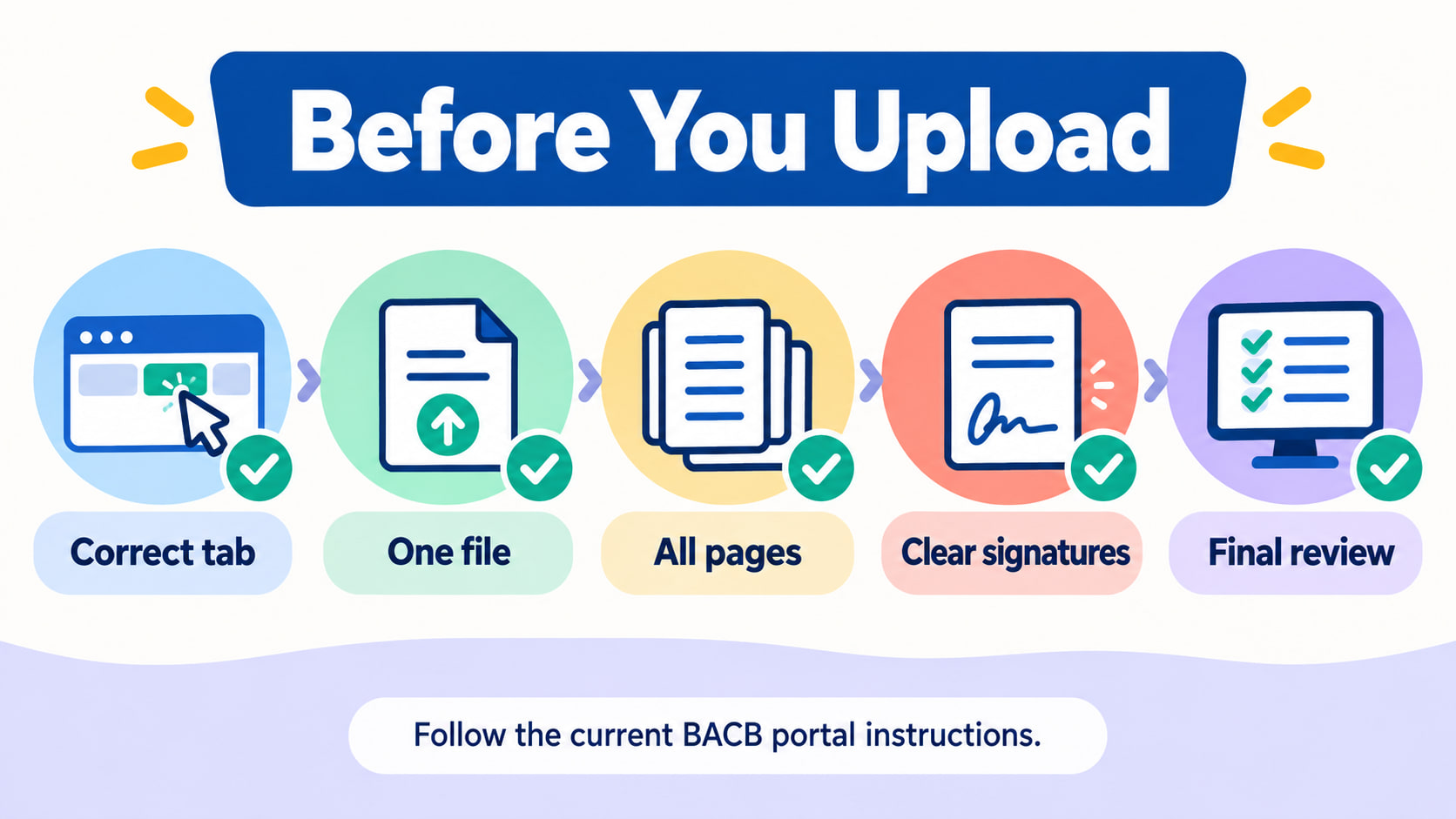
- Correct tab: confirm you are in the current RBT Recertification area.
- One file: combine the pages required for that specific section.
- All pages: compare the final PDF with the source document.
- Clear signatures: verify names, dates, initials, and signatures are visible.
- Final review: save confirmation and check whether the portal shows a completed or action-needed status.
After upload, keep the confirmation and review any returned action. A successful file transfer is not the same as application approval. If the portal requests a correction, use the current instructions and resubmit the corrected file through the designated route.
Common attachment mistakes
- Wrong application type: an initial-certification form is uploaded to a recertification section.
- Separate pages: a multipage document is uploaded as several files when the section allows one attachment.
- Missing continuation: only the first page is scanned.
- Unreadable signature: the document is compressed until the signature or date disappears.
- Duplicate versions: old and current forms are mixed into one file.
- No readback: the applicant never reopens the exported PDF.
- Wrong section: a complete file is attached to a field that asks for something else.
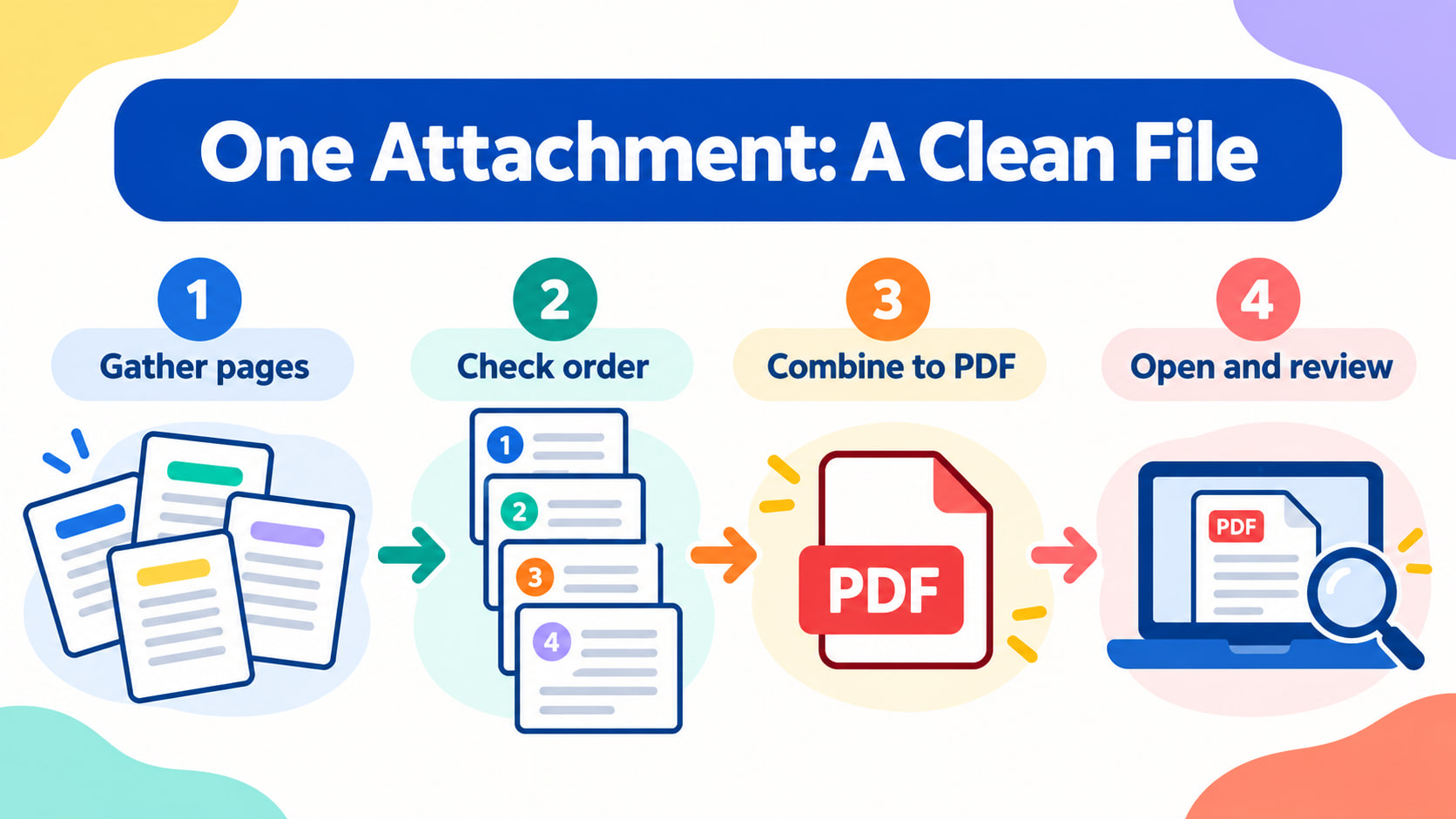
The reliable workflow is gather, order, combine, reopen, upload, and review. It makes the file easier to process, but it cannot replace the current Handbook, portal instructions, or the responsible supervisor’s guidance.
Frequently asked questions
Does one attachment mean I combine every recertification document?
No. It refers to the file limit for a particular section. Follow the field label and keep unrelated documents separate.
Can I upload photos of separate pages?
Use the format and file instructions shown in the current portal. When a multipage document must be one attachment, combine the pages into one readable file.
Does a successful upload mean the document is approved?
No. Upload confirmation only shows that the file was transferred. Review the status and respond to any action or correction request.
What if a signature or date is missing?
Do not fill it in for someone else or hide the gap. Return the document to the responsible person or use the authorized correction process.
Source note: Review current BACB application tips, the RBT Handbook, current application-processing updates, and your portal instructions for your situation. This article is educational and does not provide individualized legal, clinical, employment, or credentialing advice.
Ready to practice the RBT concepts you just reviewed?
Try an independent, original RBT practice resource with exam-style questions, scoring, and answer explanations.
References
- Behavior Analyst Certification Board. RBT Test Content Outline, 3rd edition.
- Behavior Analyst Certification Board. RBT Handbook.
- Behavior Analyst Certification Board. RBT Ethics Code.