
An RBT data collection sheet is useful only when it connects the written definition, assigned measure, opportunity, result, and relevant note. The RBT should use the approved sheet or platform, record from direct observation, check the entry, protect the record, and ask the supervisor when a field or rule is unclear.
Table of Contents
- RBT data collection sheet: the short answer
- Understand the anatomy of a useful sheet
- Check the sheet before the session
- Use the sheet during observation
- Review the sheet after collection
- Protect the sheet and its data
- Final sheet checklist
- Frequently asked questions
RBT data sheets, measurement fields, quality checks, and privacy
RBT Data Collection Sheet: What to Record and Check
A practical way to evaluate the fields on a data sheet before, during, and after a session.
An RBT data collection sheet is useful only when it connects the written definition, assigned measure, opportunity, result, and relevant note. It can be paper, an electronic form, or a field inside a larger platform. The format matters less than whether it supports the current program and produces a record another authorized reviewer can understand.
A public blank worksheet is not automatically an official BACB form. The actual data system comes from the employer, supervisor, written program, payer, privacy requirements, and organization process. Use this article to understand what to look for, not to replace the form or platform you were trained to use.
RBT data collection sheet: the short answer
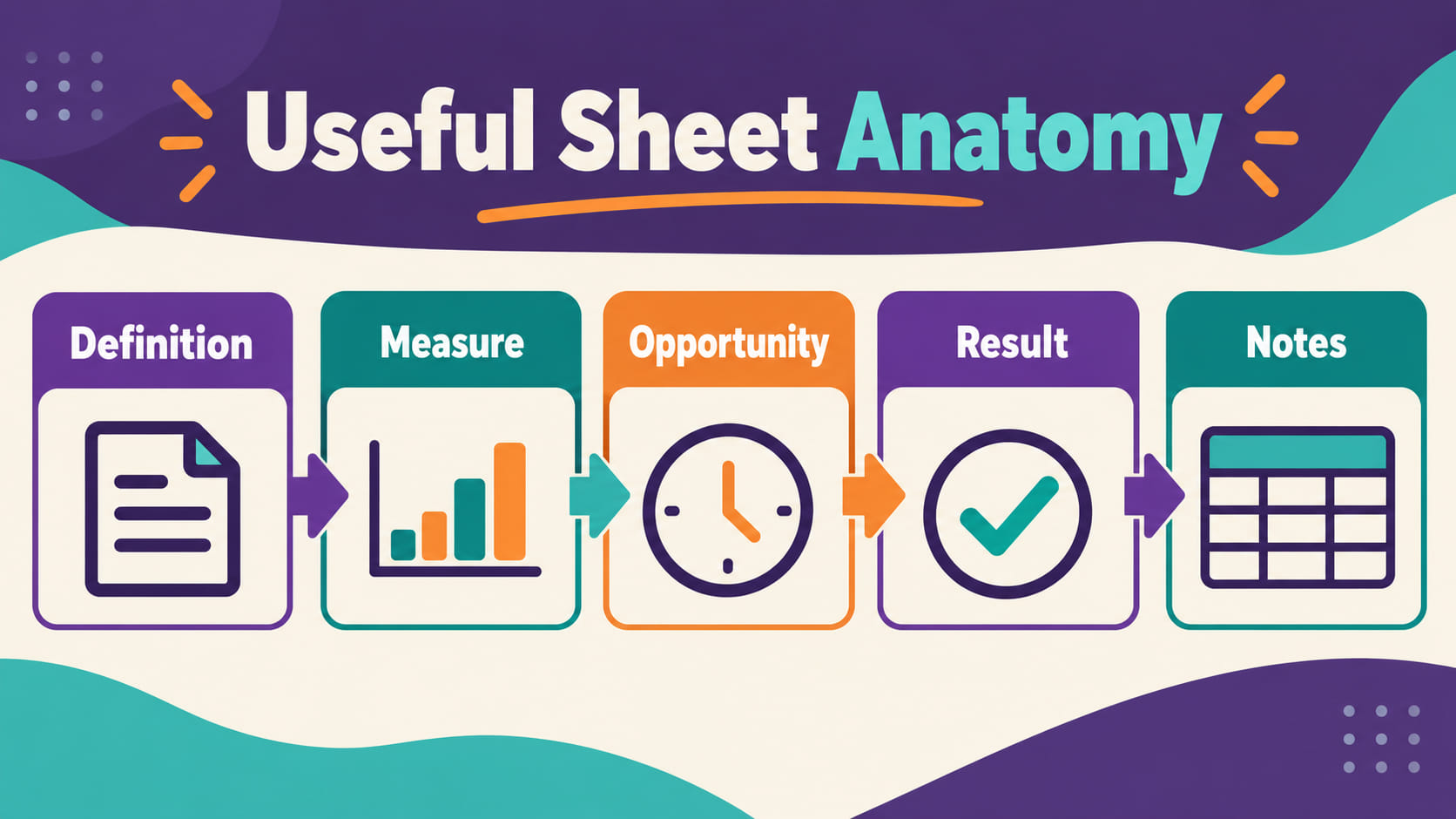
A functional sheet should make five things visible:
- Definition: What response, skill, opportunity, or product is being observed?
- Measure: Is the program using frequency, duration, latency, interval, percentage, rate, or permanent product?
- Opportunity: When does the observation or trial begin, and what counts as an opportunity?
- Result: What response, prompt level, score, duration, or other value is entered?
- Notes: What barrier, deviation, communication, or context must be recorded under policy?
If a sheet does not make the unit or denominator clear, or if it asks for a value that does not match the written plan, pause and ask the supervisor. Do not fill the gap by creating a personal rule.
Understand the anatomy of a useful sheet
The definition tells the RBT what to observe. It should use observable and measurable language rather than a label such as “noncompliance” with no operational description. The measure tells the RBT how to record the event. The opportunity tells the RBT when the measurement applies. The result stores the observation. The note field captures relevant barriers or communication without becoming a place for unrelated private information.
For example, a skill-acquisition sheet might show the target, number of opportunities, prompt code, independent response, and error response. A duration sheet might show the defined start and stop rules, event number, duration, and interruption note. A frequency sheet might show the observation period and count. These examples are different because the measurement questions are different.
Do not assume that more columns make a sheet better. Extra fields can create clutter, duplicate entry, or unnecessary exposure of personal information. The best sheet is the one that captures what the program requires with the least ambiguity and least unnecessary detail.
Check the sheet before the session
Before collecting data, confirm that you opened the correct record, date, program, and version. Read the operational definition and the recording instructions. Check the unit: seconds, minutes, count, opportunities, intervals, percentage, or another specified unit. If the sheet contains a denominator, know what it represents.
Check whether the session setting changes the recording procedure. A home, school, center, telehealth, or community setting may use different fields or materials. Follow the written procedure instead of assuming that a familiar sheet works everywhere.
Prepare the required timer, counter, materials, or device. If the system is offline, the device is shared, or a required field is locked, follow the organization’s contingency process. Do not move client information into a personal notes app or private spreadsheet simply because the approved platform is inconvenient.
Use the sheet during observation
Record from direct observation according to the measurement rule. For a frequency count, mark each event that meets the definition. For duration, start and stop at the defined points. For latency, use the specified start event and response. For a skill program, record each opportunity and the prompt or response category the plan requires.
Use the code key consistently. If “I” means independent, “P” means a particular prompt, and “E” means an error in your system, do not change those meanings during the session. If a response falls outside the available options, note the issue according to policy and ask for clarification rather than inventing a new code.
A data sheet is not a memory aid for reconstructing a session hours later. If a device fails or an event interrupts collection, record the limitation as soon as it is safe and practical. Follow the organization’s rule for marking missing data. Never turn a blank into a guessed zero without direction.
Review the sheet after collection
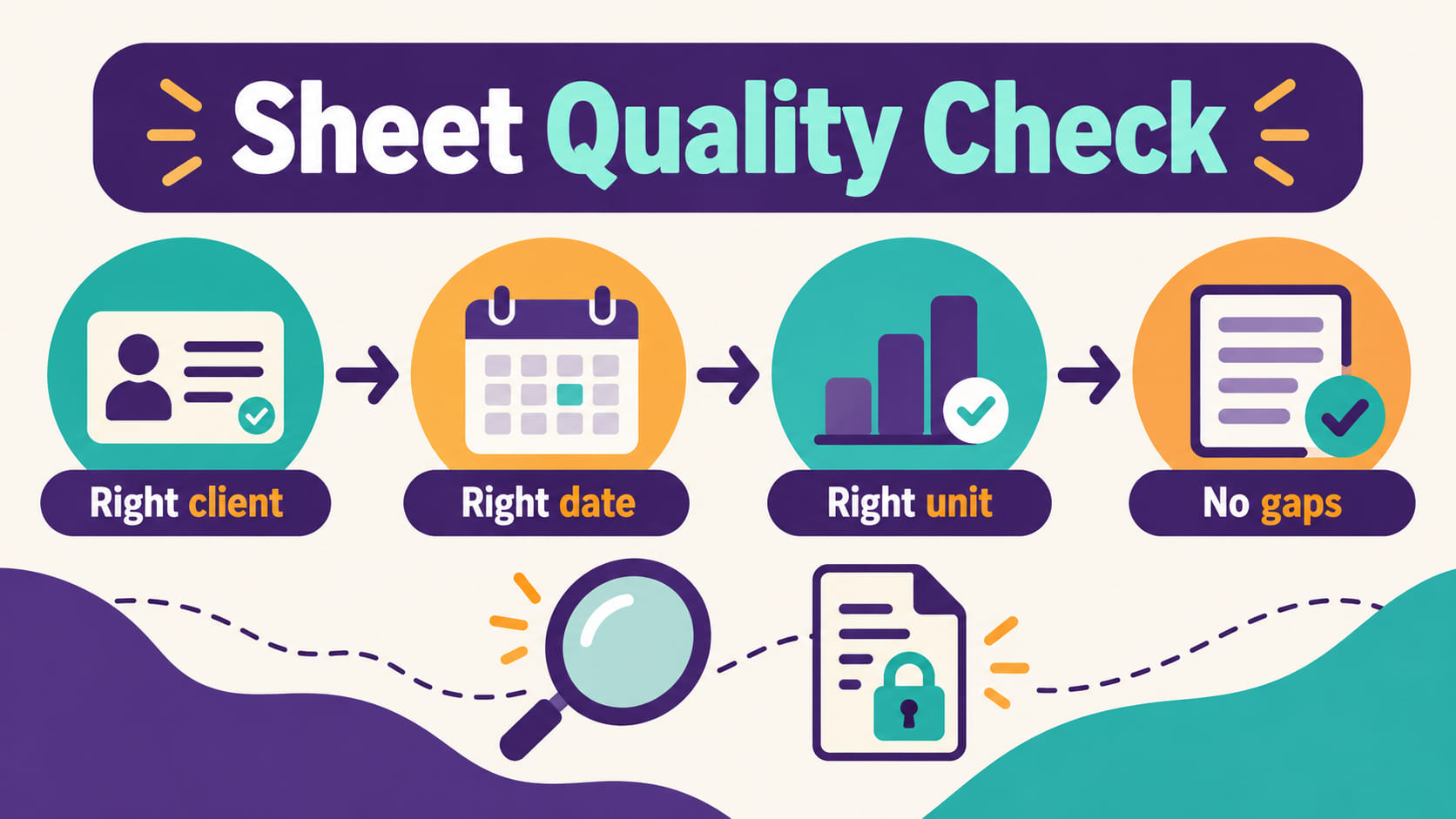
After the session, check whether the header matches the correct record and date, whether the number of opportunities is plausible, and whether the units and denominators are consistent. Compare the sheet with the session timeline. A room move, missing material, illness report, safety procedure, or early end may explain a gap and should be communicated through the required route.
Look for simple entry errors: duplicated trials, an impossible duration, a percentage above 100%, a prompt code that was not used, or a value entered under the wrong target. Correct errors through the approved edit or amendment process. Do not erase a valid unusual result merely because it looks different from previous sessions.
Submit or sync the record using the approved system. If the supervisor needs context, provide a concise factual note: what happened, what part of the sheet was affected, and what direction is needed. Do not make a treatment change simply because the data look unexpectedly high or low.
Protect the sheet and its data
Paper sheets, screenshots, downloaded PDFs, photographs, and electronic forms can all contain confidential information. Store them only where the organization allows. Keep devices locked, do not share passwords, and do not use a personal cloud account to create a backup unless the organization has approved that workflow.
Use only the information needed for the service record. Do not include a full name, photograph, address, school detail, or family conversation when the field does not require it. Do not upload a real client sheet as a public example or send it to a classmate for practice. Build fictional examples without copying identifying combinations.
If a sheet is lost, sent to the wrong person, or stored in an unapproved place, follow the organization’s privacy or incident-reporting process promptly. Do not conceal the exposure by deleting messages or quietly moving files without guidance.
Final sheet checklist
- The current program definition is available and understandable.
- The measurement type, unit, denominator, and recording rule are clear.
- The correct client record, date, program, and session are selected.
- Entries come from direct observation and use the trained codes.
- Missed opportunities and barriers are recorded according to policy.
- Impossible values, duplicates, wrong fields, and arithmetic errors were checked.
- Valid unusual data remain intact; corrections use an auditable process.
- Relevant context is communicated to the supervisor without unsupported conclusions.
- The sheet is stored, shared, and disposed of through an approved privacy process.
Frequently asked questions
Is there one official RBT data collection sheet?
No single generic worksheet should be assumed to fit every program or organization. The approved sheet or platform comes from the written program, supervisor, employer, payer, and applicable requirements.
Can I download a free RBT data sheet and use it with a client?
Not without confirming that the sheet matches the current program and is approved for the setting. A public template may have the wrong definition, measure, privacy controls, or retention process.
What if a data sheet has a field I do not understand?
Pause and ask the supervisor or designated trainer. Do not guess what a code, denominator, or timing rule means and then apply a personal interpretation across the session.
Can an RBT change the sheet when it is hard to use?
Report the usability problem and ask for direction. An RBT should not independently remove fields, change definitions, add criteria, or redesign the data system.
Role reminder: This article is educational information, not an official BACB form, legal advice, or individualized supervision direction. Follow the current written program, supervisor, employer, payer, privacy policy, and approved system.
Official starting points: RBT Test Content Outline (3rd ed.), the RBT Handbook, and the BACB ethics codes page.
Ready to practice the RBT concepts you just reviewed?
Try an independent, original RBT practice resource with exam-style questions, scoring, and answer explanations.
References
- Behavior Analyst Certification Board. RBT Test Content Outline, 3rd edition.
- Behavior Analyst Certification Board. RBT Handbook.
- Behavior Analyst Certification Board. RBT Ethics Code.