
The RBT name change process starts in your BACB account: update the profile, choose the current Name Updates option, upload the requested documentation, and keep your application records aligned.
Table of Contents
- When an RBT name update is needed
- RBT name change process: the portal steps
- Prepare documents without guessing
- Handle an application already in progress
- Protect your BACB account
- Plan around the processing timeline
- Common name-change mistakes
- Frequently asked questions
- References
RBT ACCOUNT GUIDE · ADMINISTRATIVE UPDATES
RBT Name Change Process: Update Your BACB Account Correctly
Keep your BACB profile, identification, application documents, and certification records aligned after a legal name change.
The RBT name change process starts in your BACB account: update the profile, choose the current Name Updates option, upload the requested documentation, and keep your application records aligned. A name mismatch can affect an application or examination, so treat the update as a certification record task rather than only a social-profile edit.
BACB instructions and portal labels can change. Use the current RBT Handbook, the account instructions, and the official Contact Us guidance for the exact document request. This guide explains the workflow but does not decide which proof is acceptable in your situation.
When an RBT name update is needed
The RBT Handbook describes several common reasons for a Name Change Request:
- your legal name changed after you created the BACB account;
- the name in the account does not match your identification;
- you need to identify a former name connected to application documents.
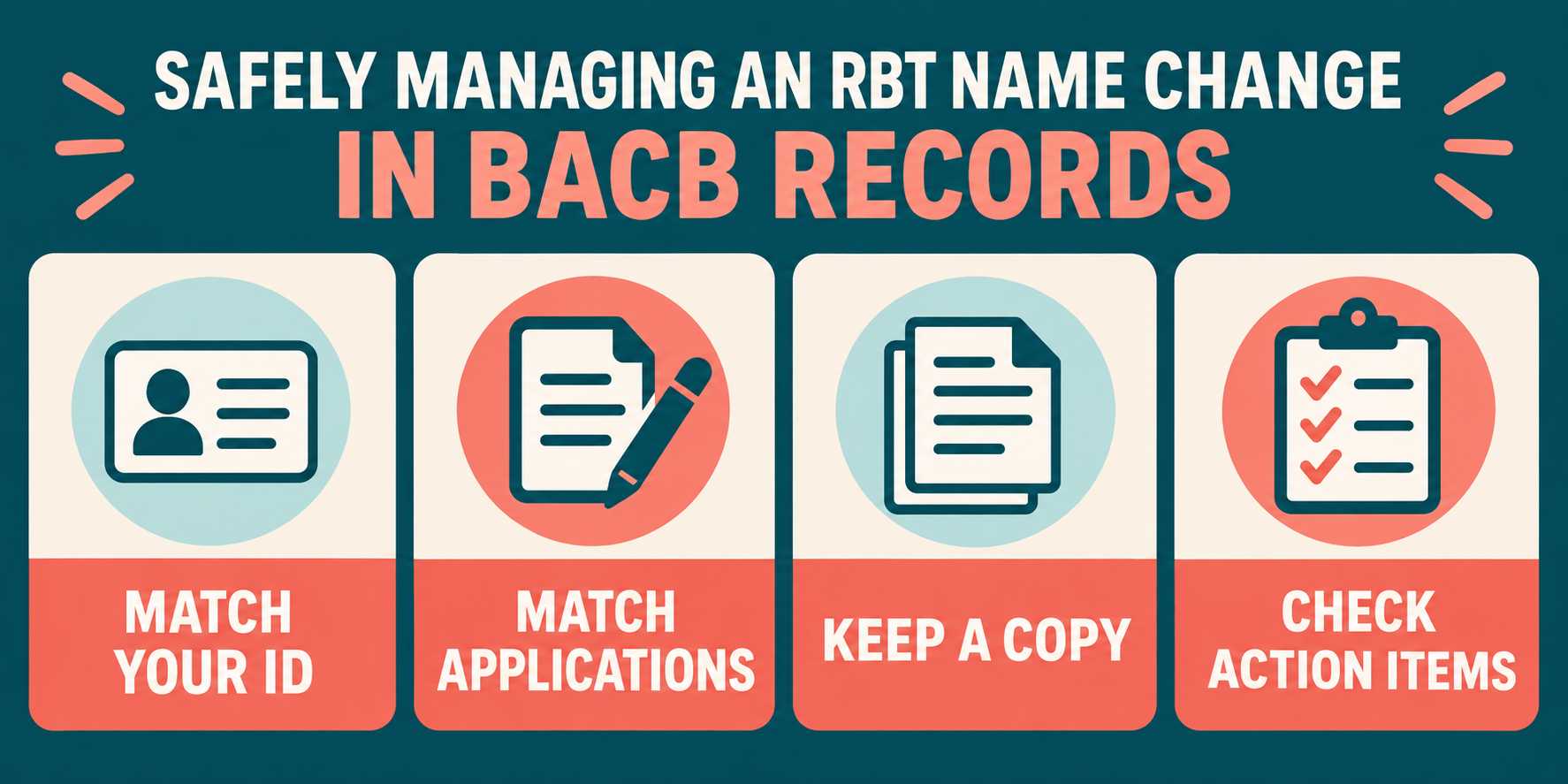
The practical test is consistency. Before an application or examination, compare the name in your BACB profile with the name on the identification you expect to use and with the name on submitted training, assessment, or attestation documents. If a document was issued under a former name, do not alter it yourself. Submit the name-change request and follow the BACB’s instructions for connecting the records.
BACB self-reporting guidance also says personal information should be updated within 30 days of the change or of becoming aware that the information is outdated. Confirm the current requirement in the handbook and account instructions that apply to you.
RBT name change process: the portal steps
The current BACB Contact Us page gives this account route:
- Log in to the BACB portal account that belongs to you.
- Open My Account.
- Select Profile Settings.
- Open the Name Updates tab.
- Choose the option that matches your reason for the update.
- Enter the requested information and upload the documentation shown by the portal.
- Submit the request and monitor the email address connected to the account.
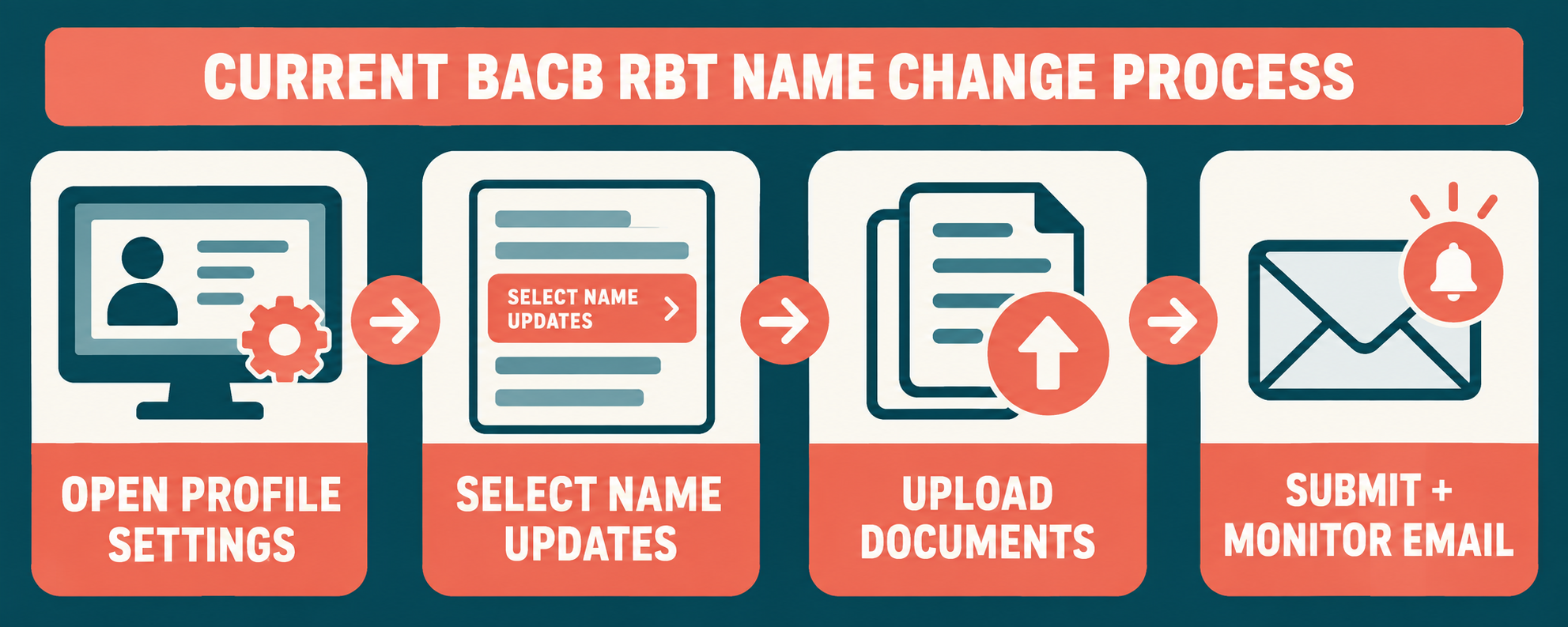
Take a screenshot or save a confirmation number if the portal provides one, and keep a copy of the submitted documents for your personal records. Do not send identification through an unofficial channel or ask an employer to log in as you.
Prepare documents without guessing
The portal may request proof that is appropriate to the reason selected. Because the request can vary, read the current upload instructions instead of relying on a generic internet checklist. Make sure each file is readable, complete, and attached to the correct request.
Before submitting, check:
- the requested name is entered exactly as it should appear in BACB records;
- the document shows the relevant former or current name clearly;
- the file is not cropped, password-protected, or missing pages;
- the application documents that need the former-name connection are identified as requested;
- your personal information is sent only through the secure BACB route.
Do not edit a certificate, assessment form, or training record to make the name match. A correction should come through the issuing organization or the BACB’s documented process.
Handle an application already in progress
If an application is already under review, a name change may require an additional step. Current handbook guidance says that after an approved name change, an applicant with an in-progress application should use the Contact Us form to request a secondary review of the documents or account.
Use a concise message that identifies the account and application without sending duplicate files unless the BACB asks for them. State that the name change request was approved, give the relevant date or confirmation information, and ask which documents need the secondary review. Follow the response instead of starting a second application.
If the examination is approaching, act early. The BACB notes that a name mismatch can delay the ability to take the examination. The exact review time and next instruction come from BACB staff and the current portal.
Protect your BACB account
The RBT Handbook says to create and maintain your own account and not to create more than one. If you cannot access the account, use the official Contact Us route rather than opening a duplicate profile. A second account can split records and make the name issue harder to resolve.
Use a personal email address, keep it accessible after changing employers, and add bacb.com to your safe-sender list. Update your address, phone, and email information when they change. Your certification record belongs to you, even when an employer or supervisor helps you understand a process.
Plan around the processing timeline
The current BACB Contact Us page says to allow two weeks for name-change processing and that you may be contacted if more information is needed. Treat that as current administrative guidance, not a permanent guarantee. Submit well before an application deadline, exam appointment, recertification date, or employer credentialing check.
Also check every place where the old name may still appear: the BACB profile, an open application, an assessment record, training documentation, employer credentialing files, and the identification you will present at an exam. You do not need to alter every historical document yourself. Your goal is to tell the BACB which records need to be connected and then follow the official correction or secondary-review instruction.
If your name change is still pending, keep the confirmation and avoid submitting a new application simply because the profile has not updated yet. A duplicate application can create a second administrative problem. Ask the BACB through the official channel whether you should wait, attach a record, or request review of an existing application.
Keep a short timeline with the date of the legal change, portal submission date, confirmation, requested follow-up, approval, and any secondary-review request. If the two-week estimate passes without an update, read the current Contact Us instructions and submit a status question through the approved form. Do not resend the same identity documents repeatedly.
Common name-change mistakes
Editing only a display name: the certification record requires the BACB’s Name Updates process.
Creating a second account: use Contact Us for access problems.
Guessing the document list: follow the current portal request for your selected reason.
Ignoring in-progress applications: request the appropriate secondary review after approval when the handbook says to do so.
Waiting until exam day: name review can affect examination readiness, so update records early.
Frequently asked questions
Where do I submit an RBT name change?
Use your BACB portal account and follow the current path through My Account, Profile Settings, and Name Updates. Upload the documentation requested by the portal.
How long does a BACB name change take?
The current Contact Us guidance says to allow two weeks and notes that BACB staff may request more information. Check the live page for the current instruction.
Do I need a new BACB account after changing my name?
No. The RBT Handbook says not to create more than one account. Update the existing account or contact the BACB if you cannot access it.
What if my application is already in progress?
After the name change is approved, current handbook guidance says to use Contact Us to request a secondary review of an in-progress application. Follow the response about which records need attention.
A careful RBT name change process keeps one BACB account, uses the current Name Updates workflow, uploads accurate proof, and leaves enough time for review before an application or examination.
Ready to practice the RBT concepts you just reviewed?
Try an independent, original RBT practice resource with exam-style questions, scoring, and answer explanations.
References
- Behavior Analyst Certification Board. RBT Test Content Outline, 3rd edition.
- Behavior Analyst Certification Board. RBT Handbook.
- Behavior Analyst Certification Board. RBT Ethics Code.