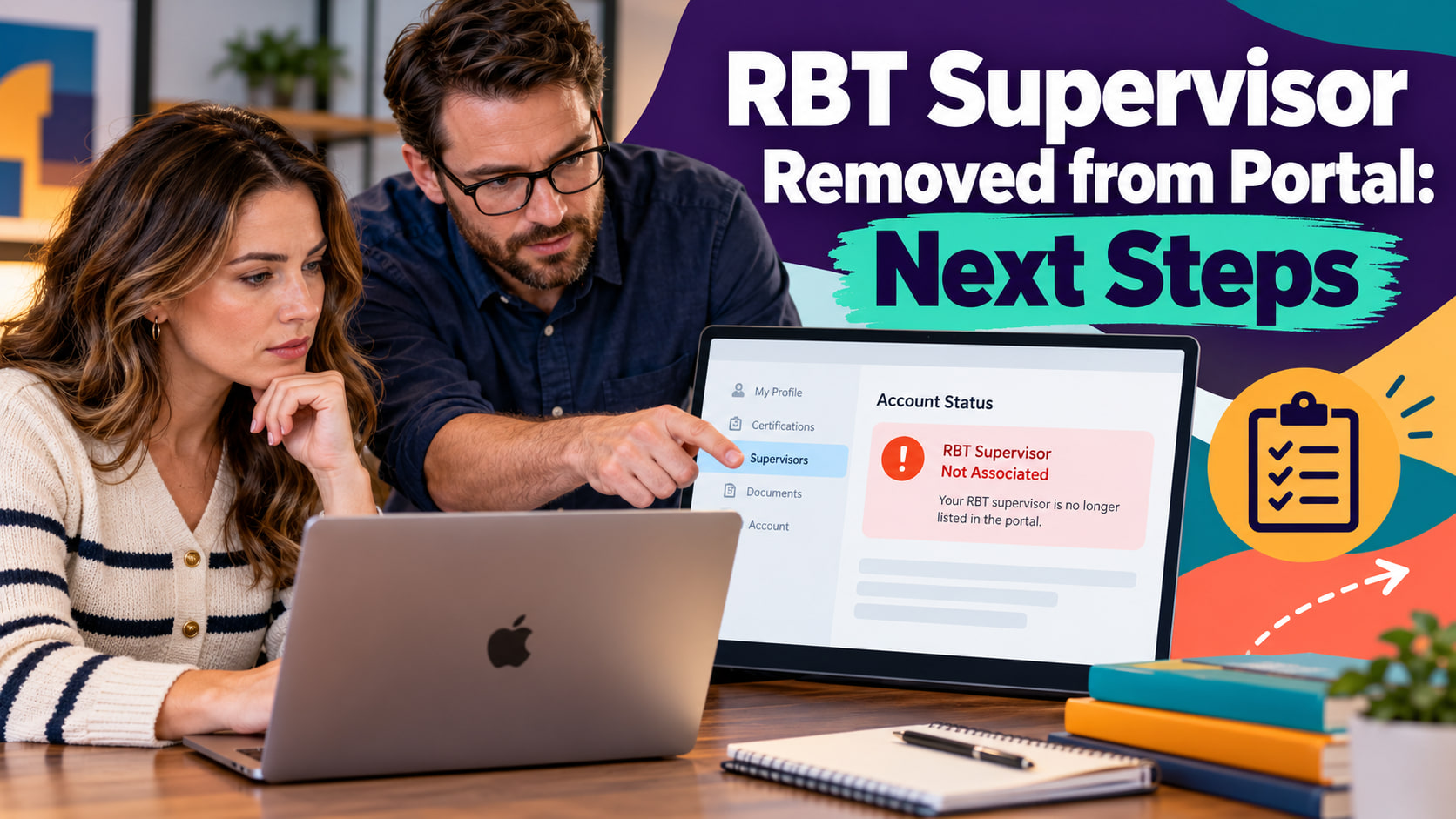
RBT supervisor removed from portal situations call for verifying what changed, identifying affected work, contacting the approved route, and recording objective facts before assuming a reason.
Table of Contents
- What an RBT supervisor removed from portal status means
- Verify the status
- Identify affected work
- Contact the approved route
- Record objective facts
- Decide how to proceed safely
- Common portal-status mistakes
- Frequently asked questions
- References
RBT ADMINISTRATION · SUPERVISOR STATUS
RBT Supervisor Removed from Portal: Next Steps
How to verify what changed, identify affected work, contact the right route, and keep the record factual.
RBT supervisor removed from portal situations call for verifying what changed, identifying affected work, contacting the approved route, and recording objective facts before assuming a reason. A portal may show that a supervisor is no longer associated, removed, inactive, or missing. The label is a status signal, not a complete explanation.
Current official materials, the responsible organization, the service setting, and the account system determine the applicable next step. This article offers a verification framework. It does not decide whether an individual may work, whether a credential is active, or whether a particular employment or clinical action is required.
What an RBT supervisor removed from portal status means
A removed status can have several explanations: a supervisor ended a relationship, an organization changed assignments, a record is processing, an account correction occurred, or the portal is displaying incomplete information. Do not infer misconduct, credential loss, or an administrative error from the label alone.
Separate three questions. What does the system currently show? Which work or assignment might be affected? Who is authorized to clarify the relationship and direct the next step? Keeping those questions separate prevents a portal message from becoming an unsupported conclusion.
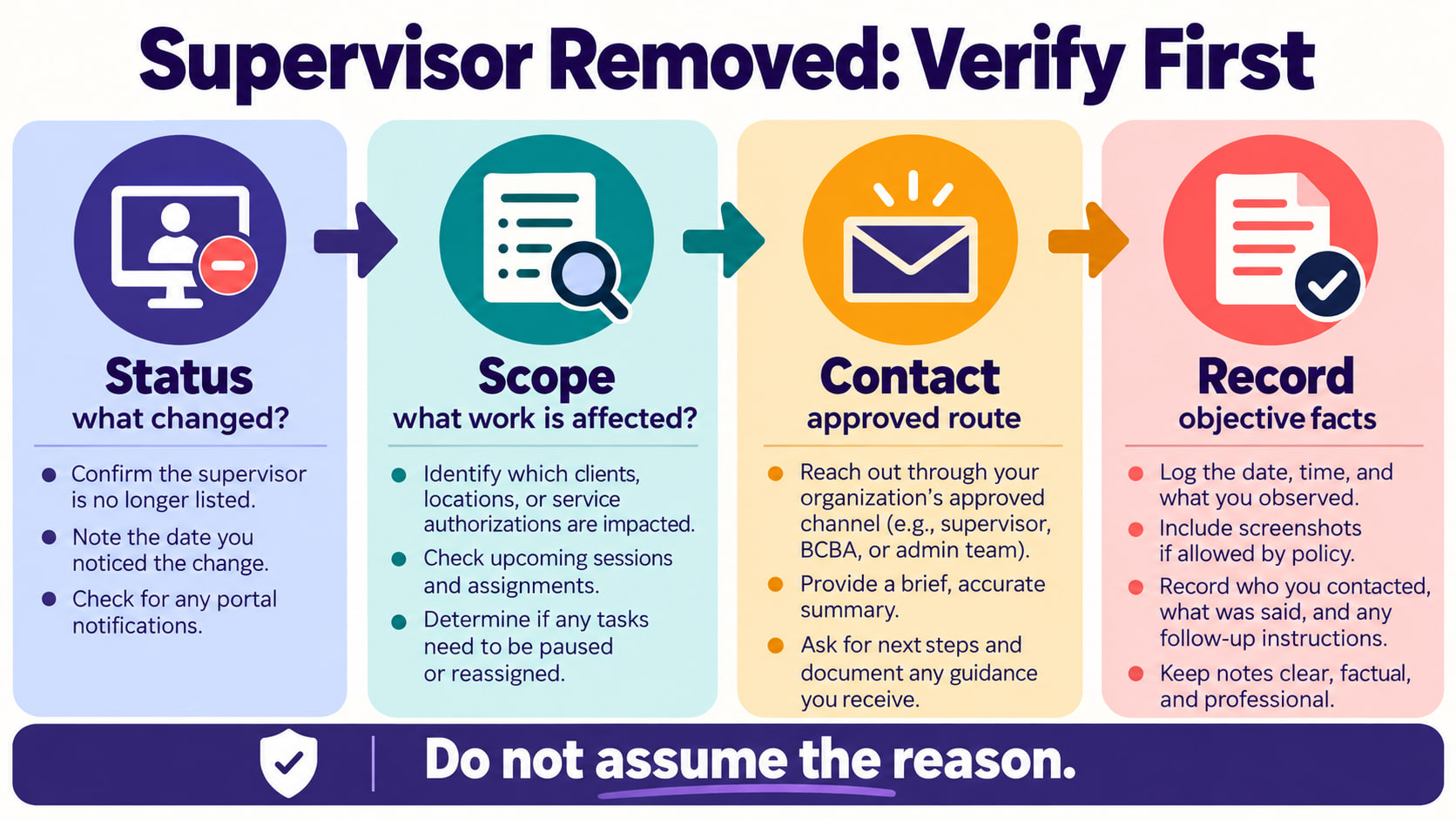
Verify the status
Open the authoritative account or organization record and confirm the account identity, date, supervisor area, status label, and any accompanying notice. Check whether the portal names a required action, pending review, new assignment, or support contact. Do not rely on an old screenshot or a message without checking the current record.
Write down what you observed and when. If the status changed after a recent update, note the update date and the exact message. Do not edit the record, re-add a person, or create a second account simply to make the display look complete unless current instructions authorize that action.
Identify affected work
Ask which activities are connected to the removed relationship. The answer may involve upcoming sessions, a service setting, a client assignment, documentation, supervision records, or an administrative requirement. Do not assume every part of your work is affected, and do not assume nothing is affected.
Pause work that requires supervisor direction when you cannot confirm who is responsible or which procedure applies. Continue any immediate safety response required by the setting, then use the urgent or routine escalation route as appropriate. Never invent a supervisor, backdate a relationship, or state that supervision occurred when the record does not support it.
Contact the approved route
Use the designated supervisor, organization administrator, credentialing contact, compliance team, or portal support route. A portal question and a workplace assignment question may need different contacts. Ask which person or team is responsible for correcting or explaining the record.
Keep the message concise and privacy-aware. State the account area checked, the date and time, the status displayed, the work waiting for direction, and the question you need answered. Use approved channels and omit unnecessary client identifiers from an administrative request.
Record objective facts
Use the approved record or note system to capture the status check, contact route, response, and follow-up. Write what you observed rather than guessing why it happened. If you are told to pause, reassign, or wait for confirmation, record the instruction and the person or role that provided it.
Protect screenshots and account information. Keep copies only where policy permits and do not post a portal image in a personal group. If the wrong person receives information or a record cannot be accessed, follow the incident and correction process rather than creating multiple unofficial versions.
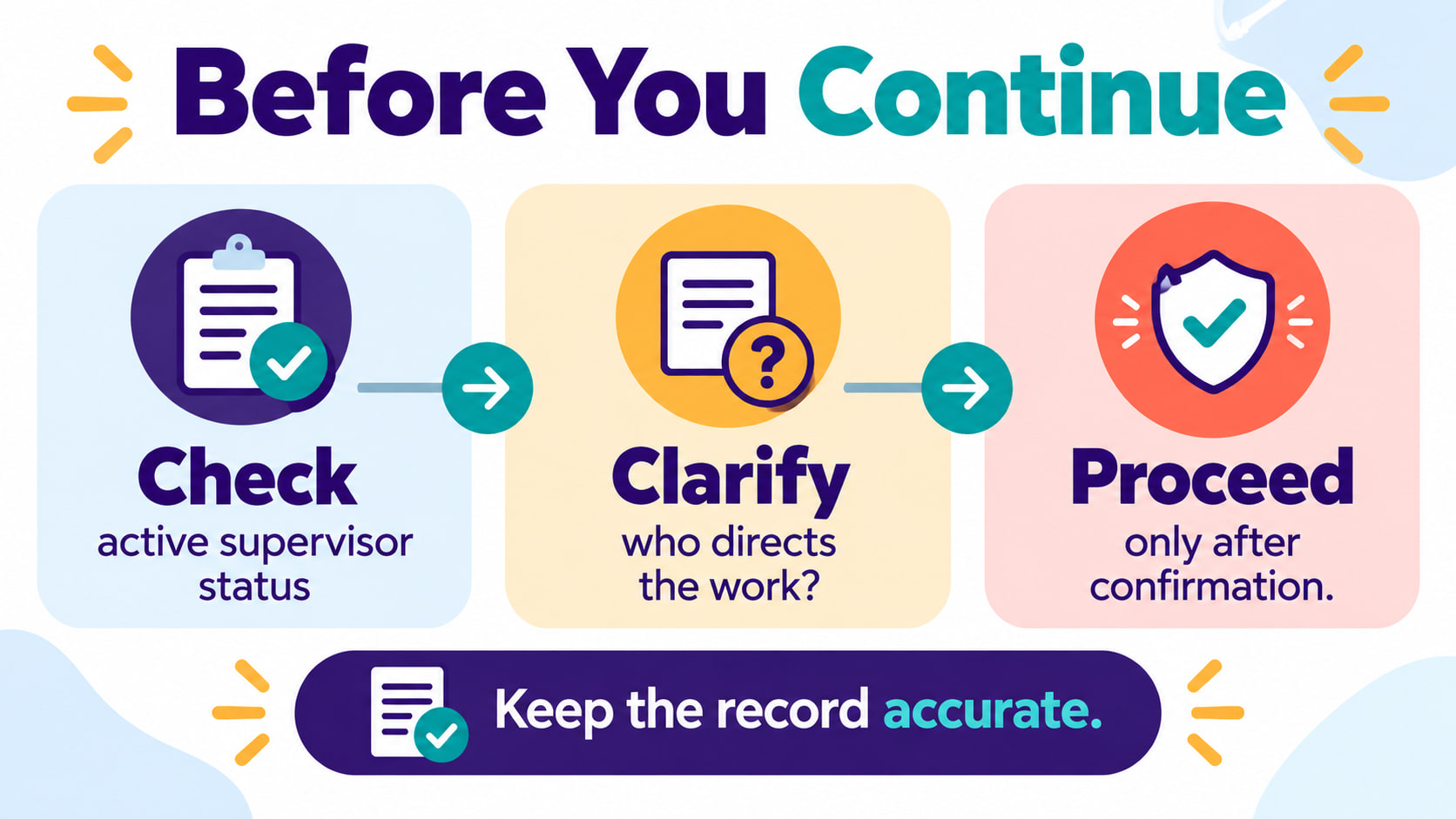
Decide how to proceed safely
Proceed only after the responsible contact clarifies the active relationship, authorized work, and next step. A status update, invitation, or submitted request may not be the same as final approval. Check the authoritative record again after a correction or assignment is made.
If no one responds, use the organization’s escalation path and keep a factual timeline. Do not solve the gap by choosing a familiar name, relying on a former supervisor, or continuing a procedure that requires direction. A documented pause and clear escalation are safer than an unsupported workaround.
Common portal-status mistakes
- Assuming the reason: a status label does not prove why a supervisor was removed.
- Ignoring scope: the change may affect some work and not other work, so verify.
- Using an old screenshot: current records and instructions control.
- Re-adding without consent: do not create a relationship the supervisor or organization has not confirmed.
- Proceeding without direction: pause work that requires an active responsible contact.
- Over-sharing: keep portal and client information within approved channels.
The reliable sequence is status, scope, contact, record, and confirmation. It keeps the response factual and gives the responsible organization a clean question to answer. The goal is not to diagnose the portal event; it is to protect the record and confirm the next authorized step.
Frequently asked questions
Does a removed supervisor status mean my credential is lost?
Not automatically. The status needs to be verified with current official instructions and the responsible organization. Do not infer a credential outcome from one portal label.
Should I continue working while the status is unclear?
Ask which activities are authorized and pause work that requires supervisor direction until the responsible contact clarifies the route.
Who should I contact first?
Use the designated organization, supervisor, credentialing, compliance, or portal-support route. The correct contact depends on whether the issue is administrative, employment-related, or supervision-related.
What should I write down?
Record the account area checked, date and time, status shown, contact used, response received, and remaining question. Keep the note objective and privacy-aware.
Source note: Review current BACB materials, current portal instructions, organizational policy, approved systems, and supervisor or administrator direction for your situation. This article is educational and does not provide individualized legal, clinical, employment, or credentialing advice.
Ready to practice the RBT concepts you just reviewed?
Try an independent, original RBT practice resource with exam-style questions, scoring, and answer explanations.
References
- Behavior Analyst Certification Board. RBT Test Content Outline, 3rd edition.
- Behavior Analyst Certification Board. RBT Handbook.
- Behavior Analyst Certification Board. RBT Ethics Code.